
Appearance
Single sign-on (SSO)
Recognito has first-party single sign-on (SSO) with Google Workspace and Microsoft (Entra / Azure AD / Microsoft 365). Users sign in with their existing corporate identity — no separate Recognito password needed — and admins can restrict which method each user may use.
This page covers the sign-in methods and how to set them up.
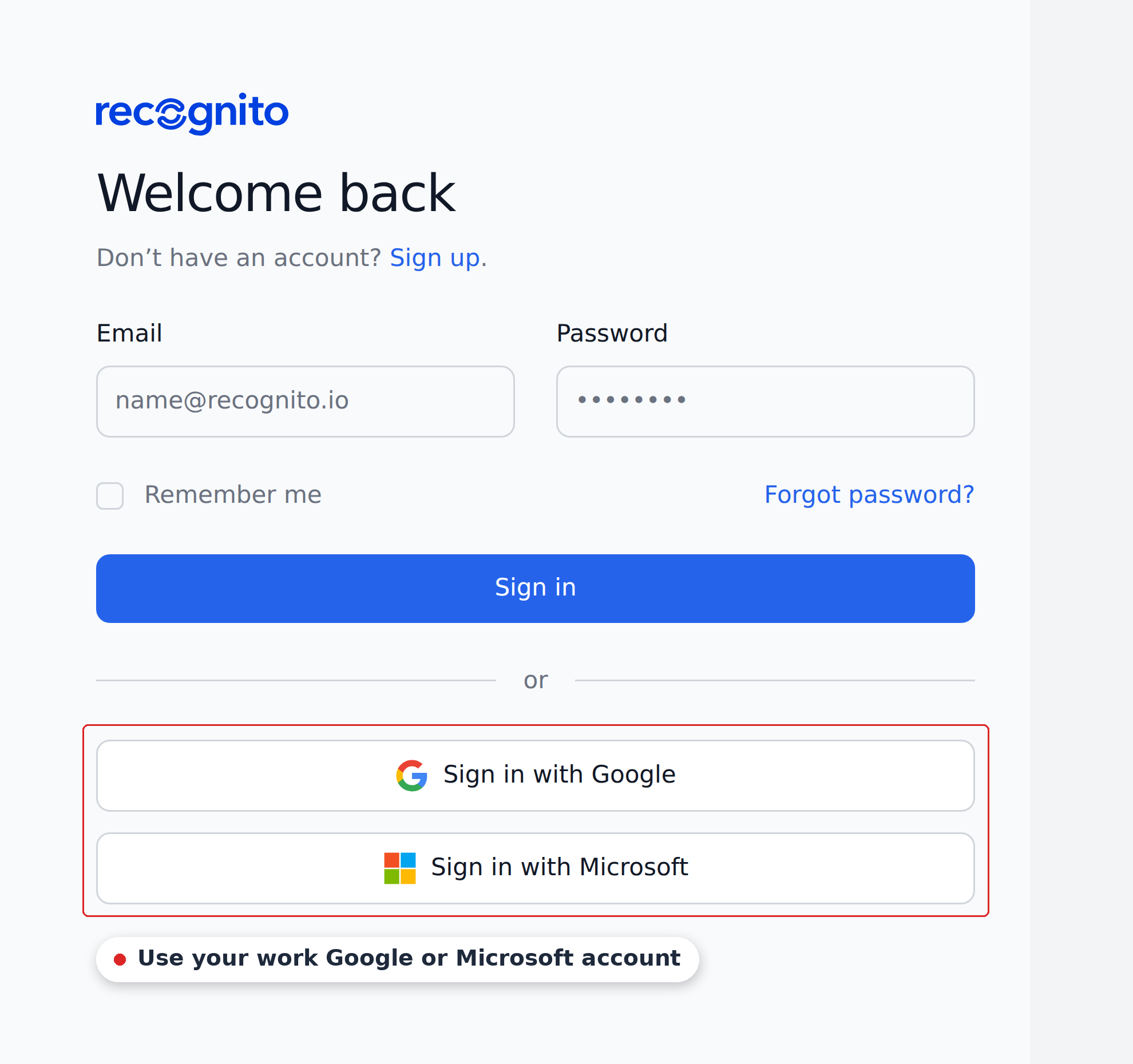
Sign-in methods
Users sign in to app.recognito.io with one of three methods:
| Method | Notes |
|---|---|
| Email and password | Standard Recognito-managed credentials. |
| OAuth single sign-on. Works with Google consumer accounts and Google Workspace. | |
| Microsoft | OAuth single sign-on. Works with Entra / Azure AD / Microsoft 365 accounts. |
For teams already on Workspace or Microsoft 365, a user signs in with their existing corporate identity and lands straight in the app.
Restricting which methods a user can use
When an admin invites a user, they can restrict which sign-in methods that user is allowed to use. Settings → Users → Invite Users → Allowed Login Methods.
For example, you can require an external accountant to sign in only with Google, or restrict an internal user to email and password. This is a per-user constraint set at invite time.
Setting up Google or Microsoft sign-in
There's no admin-side setup for the SSO methods themselves — they're available by default. To use them:
- The user clicks Sign in with Google or Sign in with Microsoft on the login screen.
- They authenticate with their Google or Microsoft account.
- If their email matches an invited user in any Recognito organization, they land in the app.
If an invited user's email is alex.morgan@acmecorp.com and your company uses Google Workspace, they sign in with Google using that address — no Recognito password to set up.
When you'd restrict a user to SSO
A few common reasons to set Allowed Login Methods to a single SSO provider:
- Centralized lifecycle. When the user leaves your Workspace or Microsoft tenant, they automatically lose access to Recognito because OAuth fails.
- Compliance policy. Your org requires external logins to go through your identity provider for audit purposes.
- No password sprawl. Users don't need to remember an additional Recognito password.
Set Allowed Login Methods to only the provider you want to enforce, and email-and-password becomes unavailable for that user.
API access
API keys are independent of how users sign in to the web app. Keys are created at Settings → Organization → API Keys by an org-owner. Sign-in method doesn't change the API-key flow.
What's next
- Users & permissions — what sign-in unlocks; visibility and actions are set per project.
- Access control — the visibility, actions, and role model.
- Enterprise & admin — the rest of the admin-focused pages.