
Appearance
Start Here
Four pages that take you from "someone sent me a login" to "I've processed a document and I know what happened to it." About twenty minutes end to end.
If this is your first day
Read these four in order. Each one assumes the one before it, and the link at the bottom of every page walks the same path — so you can just keep clicking Next.
- What Recognito is — what the product does and what the Mapping layer adds after extraction. Skip it if someone has already told you why you're here.
- Account setup — sign in, find the three things every screen hangs off, and set up your profile. Five minutes.
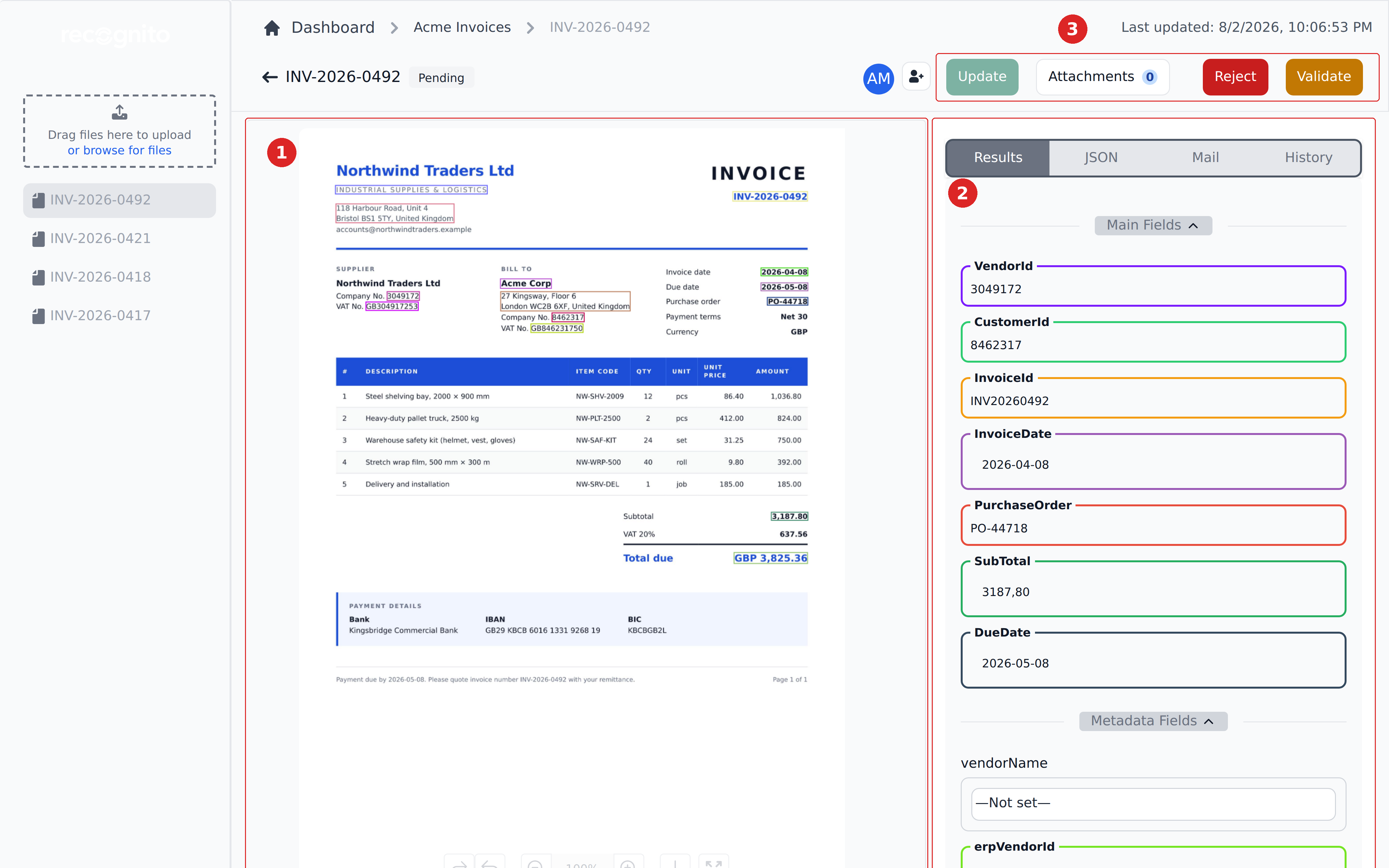
- 5-minute quick start — upload a document, watch the fields come out, correct one, and hand it on. This is the page that makes the product click.
- How Recognito works — the five ideas behind everything else: projects, field categories, the two status tracks, the Mapping rule engine, and how data leaves. Read it once and every other page in these docs gets easier.
Then go where your job is
- You review documents → Using Recognito — finding what's yours, fixing fields, approving, exporting.
- You set the project up → Configuring Recognito — fields, capture channels, users, permissions.
- You write the business rules → Mapping & Workflows — entities, definitions, workflows.
- You're integrating code → API Reference — endpoints, webhooks, custom response schema.