
Appearance
Connecting to your ERP
Recognito delivers approved invoice data to your ERP through the same outbound channels every integration uses — a webhook with a Custom Response Schema shaping the payload, or the Make.com / n8n nodes bridging to your ERP's own connector. There's no separate "ERP" setup to learn.
This page covers the two patterns and when each fits.
Pattern 1 — Webhook + Custom Response Schema
The standard path for most ERP integrations.
- Settings → Developers → Custom Response Schema. Define a template that reshapes Recognito's extraction output into the exact JSON your ERP's API expects. See the API Reference for the schema syntax.
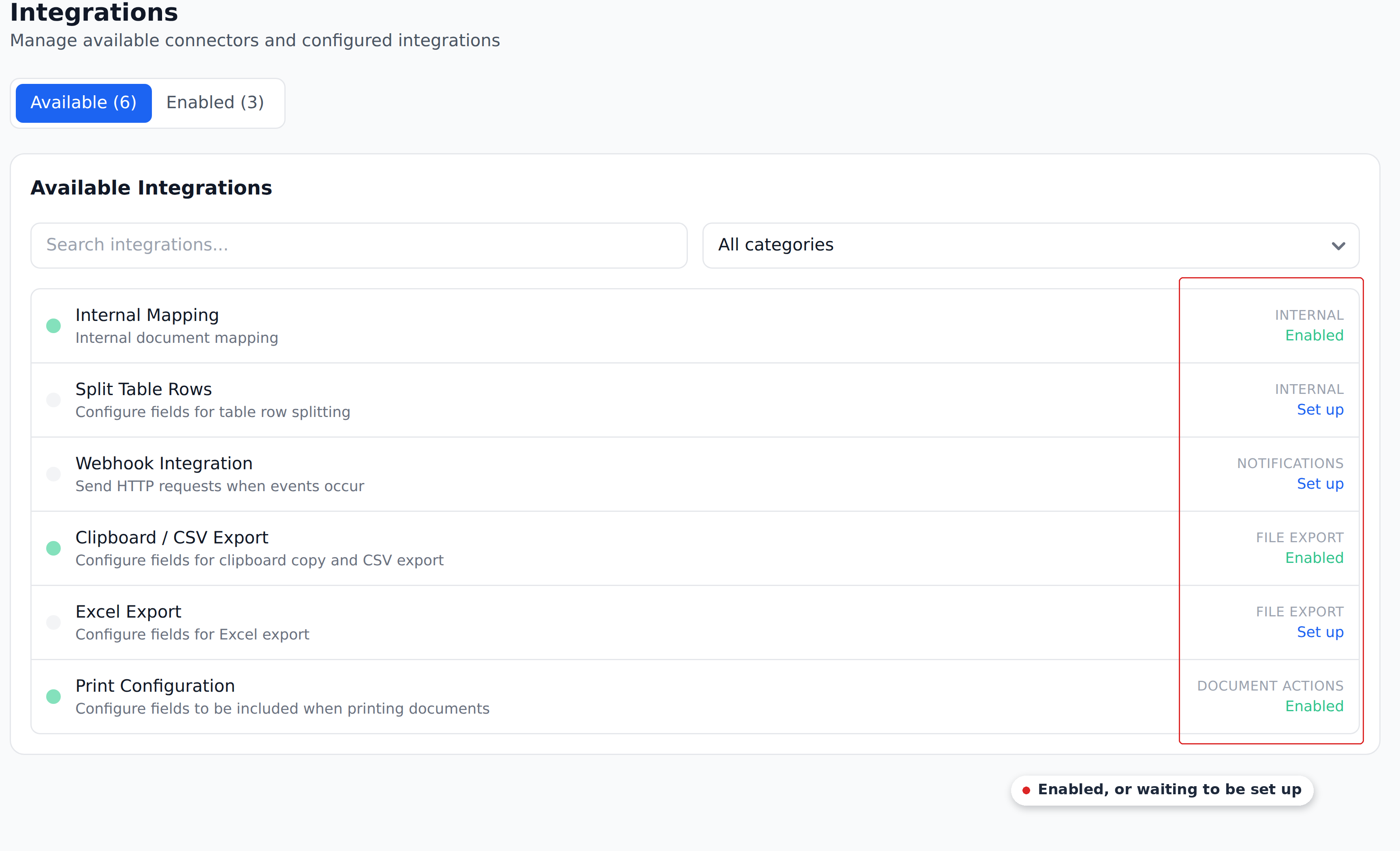
- Settings → Integrations → Webhook Integration. Configure an HTTPS POST to your endpoint and pick the trigger event — typically Document Approved.
- Receive and post. A small receiver on your side (or a middleware service) accepts the POST and calls your ERP's API.
The Custom Response Schema does most of the shaping, so your receiver stays thin. This pattern works for Business Central, Dynamics, SAP, NetSuite, Oracle, and any in-house system with an HTTPS API.
See Webhooks for the configuration details.
Pattern 2 — Make.com or n8n
For teams that already run Make or n8n, you can skip writing a receiver:
- Use Recognito's Make node or n8n node as the trigger or source step.
- Add the platform's existing ERP node — both catalogs cover Business Central, Dynamics, NetSuite, QuickBooks, Xero, and many more.
- Map the fields between the two inside the scenario.
This fits when you want a low-code orchestration layer, or when your ERP isn't a single API call away. See Make.com and n8n.
Picking the pattern
| Scenario | Pattern |
|---|---|
| Your ERP has a clean API and you have a developer | Webhook + Custom Response Schema |
| You already use Make.com or n8n | Make.com or n8n scenario |
| You want a pull model | REST API — your system polls for approved documents |
For most teams shipping their first ERP integration, the webhook + Custom Response Schema path is the fastest to a working data flow. If you'd rather have a managed connector built for you, see the note on the Integrations overview.
What's next
- Webhooks — the core mechanism Pattern 1 builds on.
- Make.com / n8n — the low-code path.
- API Reference — the Custom Response Schema syntax and the pull endpoints.