
Appearance
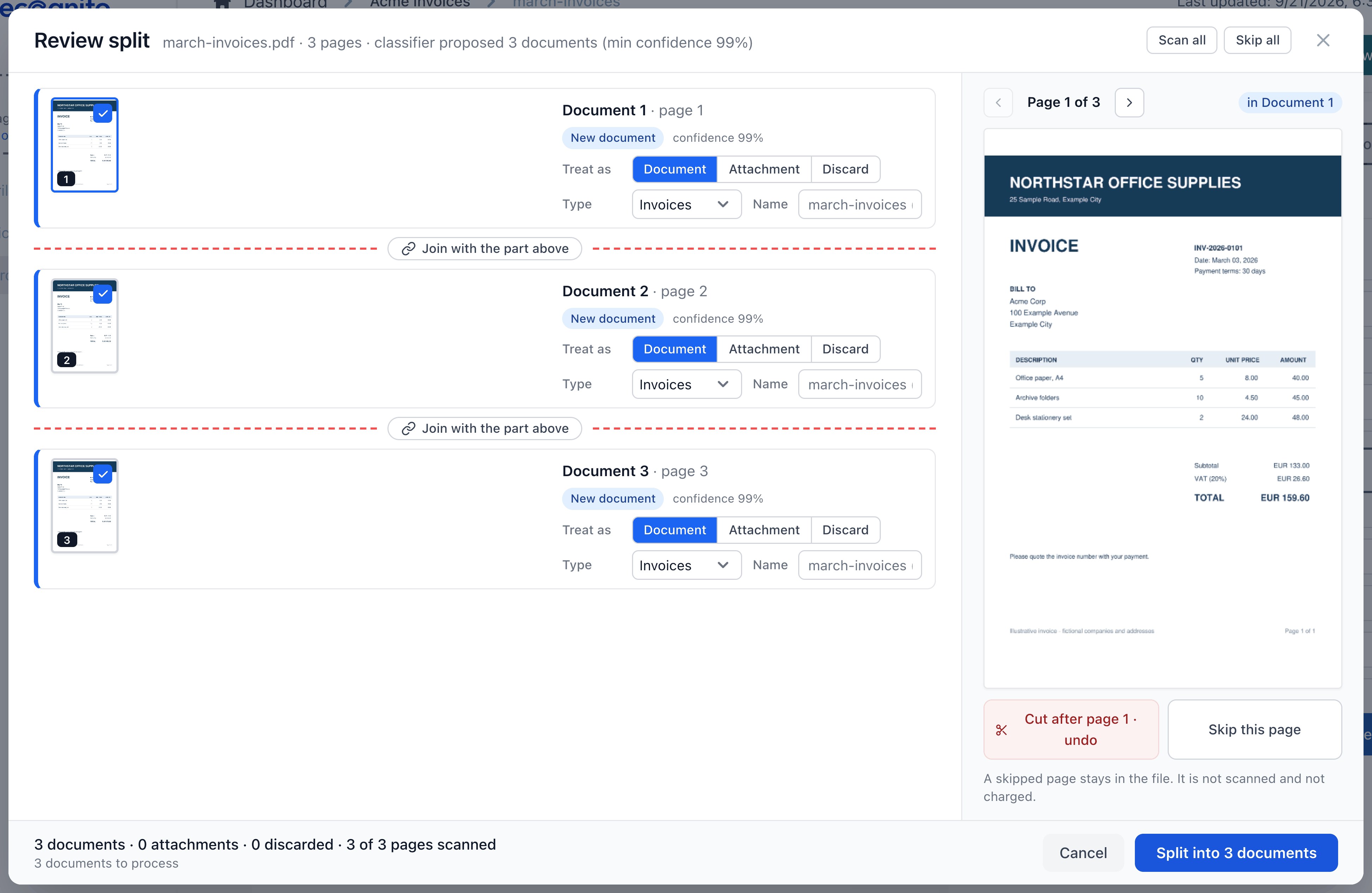
In Upload new files, tick Classify and split multi-document files to have Recognito find the documents in your PDF. Review the proposed cuts before processing, or let the project's Automatic when confident setting handle confident proposals.
For files already uploaded, select them in the Documents list and choose Edit pages or Combine pages. You can split or join PDFs, attach supporting pages, and leave pages out of a scan. The grid warns before a change replaces extracted or edited values.
Splitting starts off. Choose its behavior in Settings > General > Document splitting.